VESC Board Bringup
This document explains the steps to configure and flash the BLDC firmware on VESC hardware.
Prerequisites
3S LiPo Battery
MircoUSB Cable
Connections
Connect the VESC hardware to the host machine using the MicroUSB cable.
Power the VESC hardware with 3S LiPo Battery.
Flashing the BLDC firmware
Start the Vesc Tool application
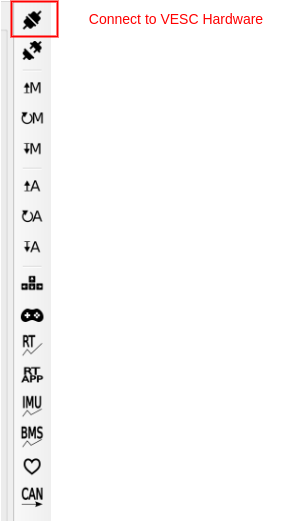
Click on the top right icon to establish a connection with the VESC hardware as shown in below figure.
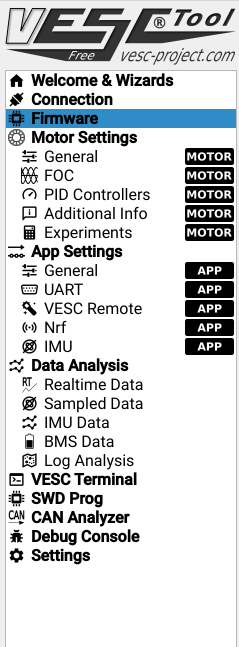
On the left panel select Firmware tab.
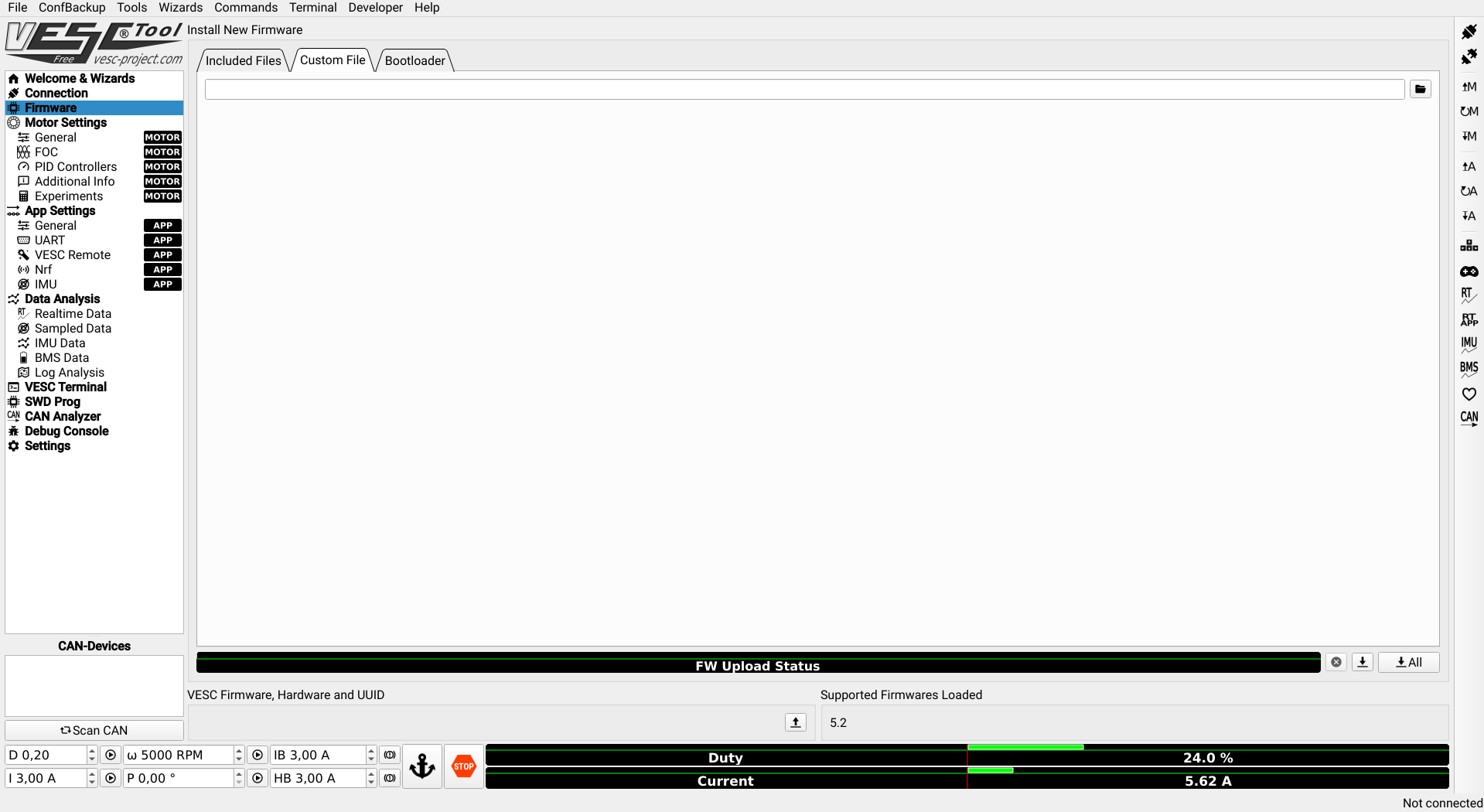
The default firmware or a custom build firmware can be selected from the host file system.

After selecting the firmware, start flashing the firmware on the hardware by clicking the icon as shown below.

Wait for a period of 10 seconds and restart the VESC.
Loading the Motor Configuration XML file
To load the VESC motor configuration file, select the XML configuration from File->Load Motor Configuration XML
Select the motor configuration file from the folder.
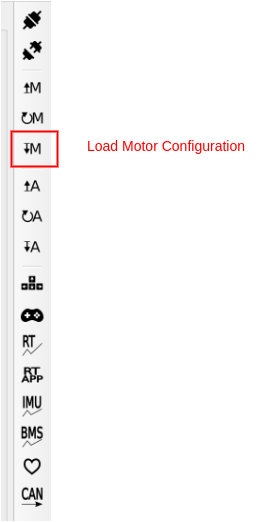
Now click on the icon as shown below that is available on the right panel.